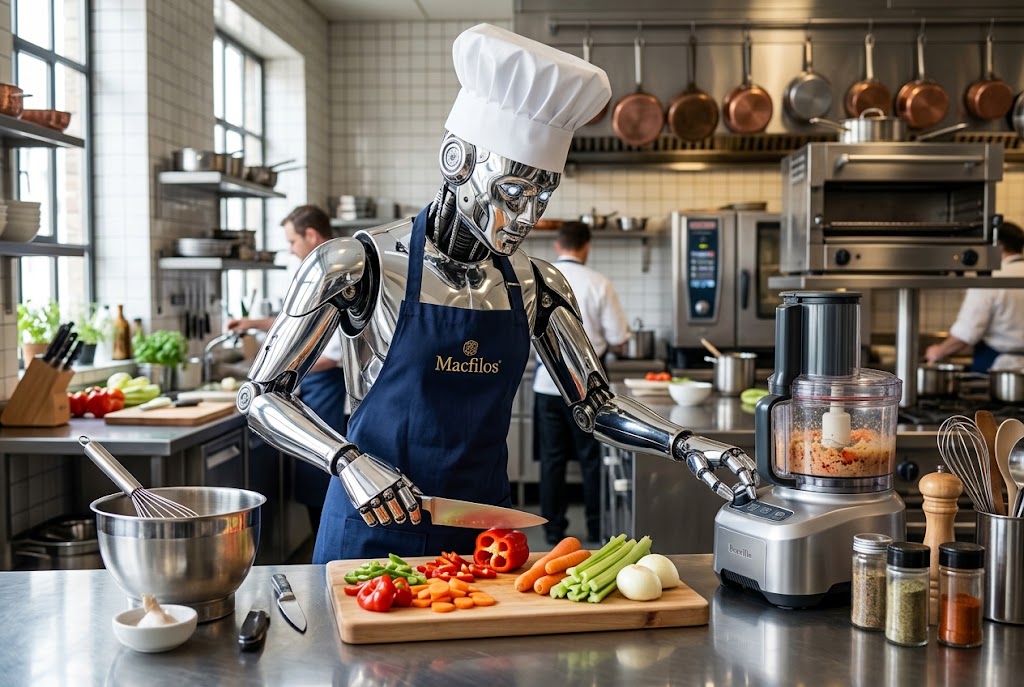
Who says you can’t teach an old dog new tricks? Especially in the age of AI-assisted learning. LLMs have ingested so much information, about so many topics, they can be great teachers for us life-long-learning types. In fact, just the other day, Claude taught me how to blend.
And I don’t mean the blending you do with a food-processor. Chucking in food items, closing the lid, and pressing the start button, hardly merits a training program. The blending I had in mind was with Photoshop.
Was it Photoshopped?
I am sure you have heard of this program, produced by Adobe. It often comes up in snarky comments about surreptitious editing of digital images — perhaps to magic away wrinkles, whiten teeth, or remove an embarrassing blemish. If you have tried it you will realize it is an enormously powerful, but complicated graphic creation and editing tool.
Many of the photographers I know admit that they are intimidated by it, and most are reluctant to take on the challenge of learning how to use it.
My view? We are in the age of AI-assisted learning, so surely we can get some personal tutoring from a local expert. The one I had in mind was Claude, the Anthropic LLM, and my partner in several recent vibe-coding adventures.
Composite images
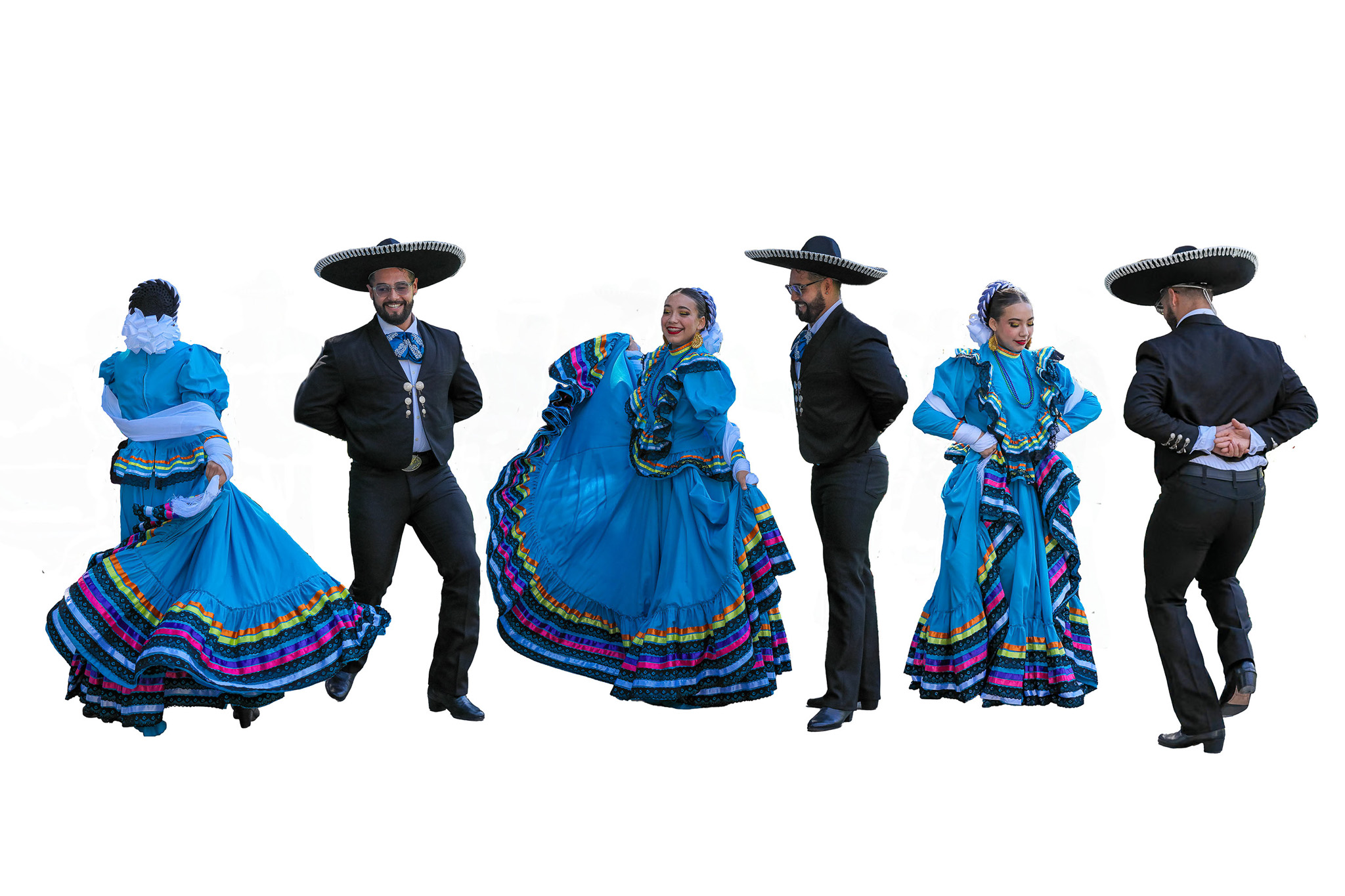
What led me to seek Claude’s help as a Photoshop tutor was a specific need I had. This was related to a series of composite images I hoped to create. I had dabbled in this area previously, but the more ambitious project in mind required some new Photoshop skills.
I made the mistake of first seeking guidance from the University of YouTube. But, despite trying numerous search strategies, spending close to an hour watching videos, I was still no wiser. So I turned to Claude for some AI-assisted learning.
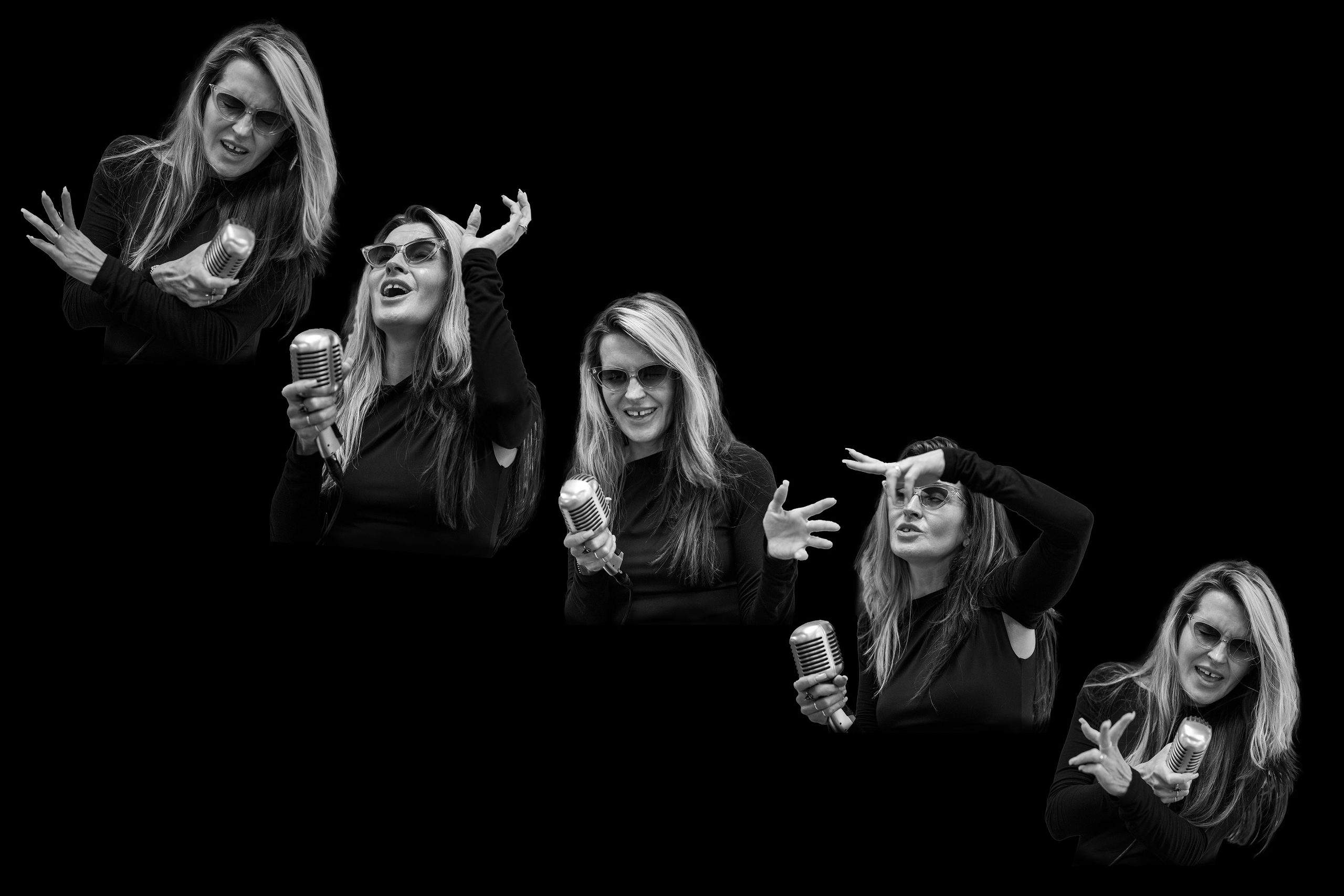
The new skill I aspired to was the ability to paste multiple images into a new canvas and then smoothly blend the images into the background so that no edges showed. Here’s an example.
Rhythm and form
I arrayed multiple images of a local jazz singer (Erika Davies), excerpted from photographs of her I had taken previously, into this composite image. It was intended as a submission to a local exhibition with the theme Rhythm and Form. Conveniently for me, she wore a black garment, so placing the images of her on a black canvas made the blending process easier.
When I explained to Claude what I had in mind, I was quickly provided with three different options, each described in a clearly numbered series of steps. It seems Claude is quite the Photoshop expert.
I chose option two, which looked both simple and easily remembered for future use. In brief, I used an ‘eye-dropper’ tool to sample the black background, configured a ‘paint brush’ tool to the size, hardness, and opacity recommended by Claude, then literally painted over the edges using multiple strokes, until the edge of the pasted-in image disappeared. Easy peasy.
AI-assisted learning works.
Sample and paint
That particular image did not make the cut for the exhibition, but several other composite images (sprinkled through the article) did. In those cases, I used my newfound ‘sample and paint’ skill to remove blemishes resulting from my imperfect excerpting of images from original photographs.
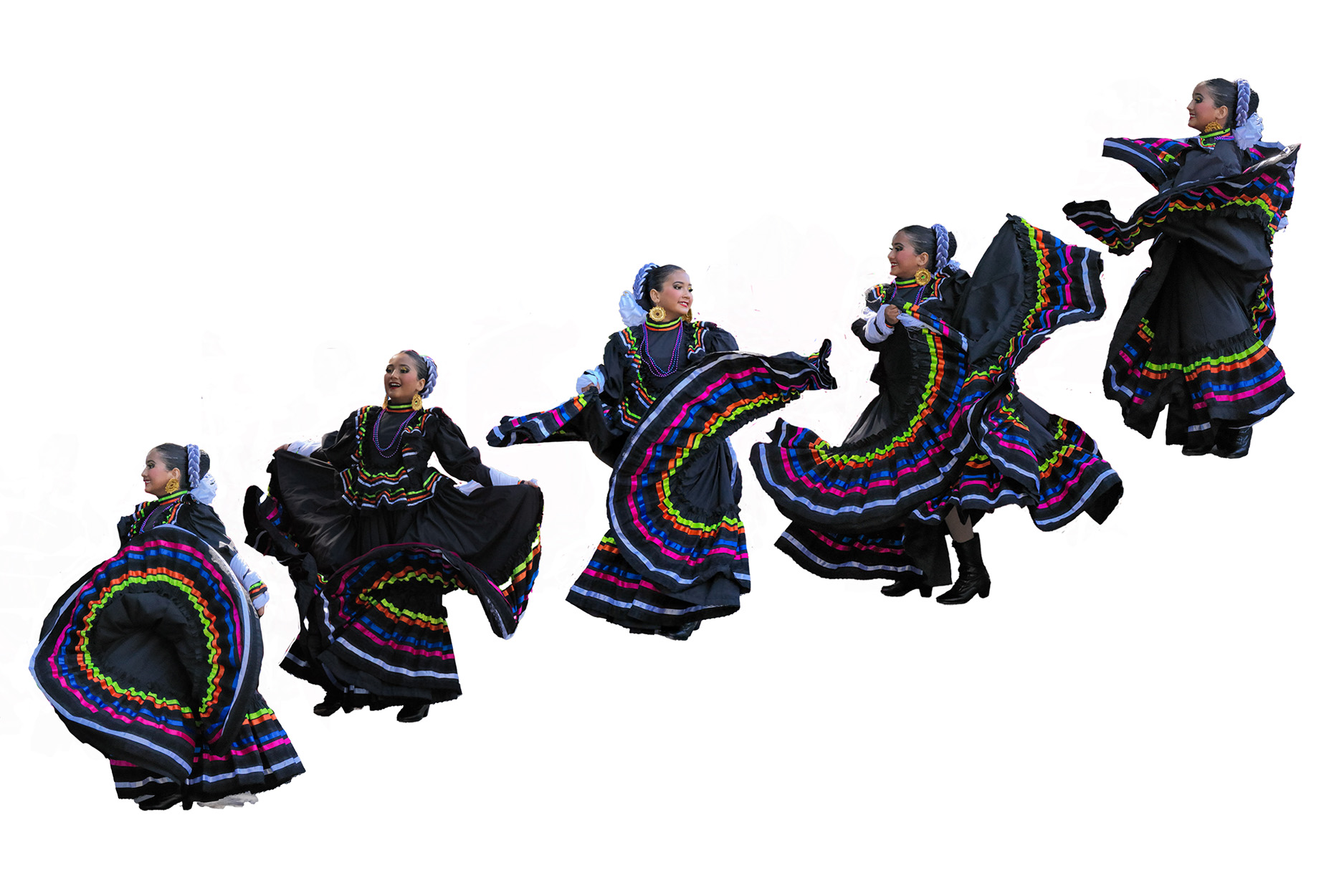
I wish I had gone directly to Claude for help, rather than wasting time looking at YouTube clips. Receiving customized tuition, having clearly described my skill deficit, is so much more efficient.
AI-assisted learning
This, surely, is the huge benefit of AI-assisted learning — tuition that’s tailored specifically to your needs at your particular stage in a skill-building journey. Unless you are hoping to learn a technique that’s been introduced so recently it might not be in the training set, the chances are, your favorite LLM will be able to teach it to you.
Why not give it a try!
Leave a Reply