
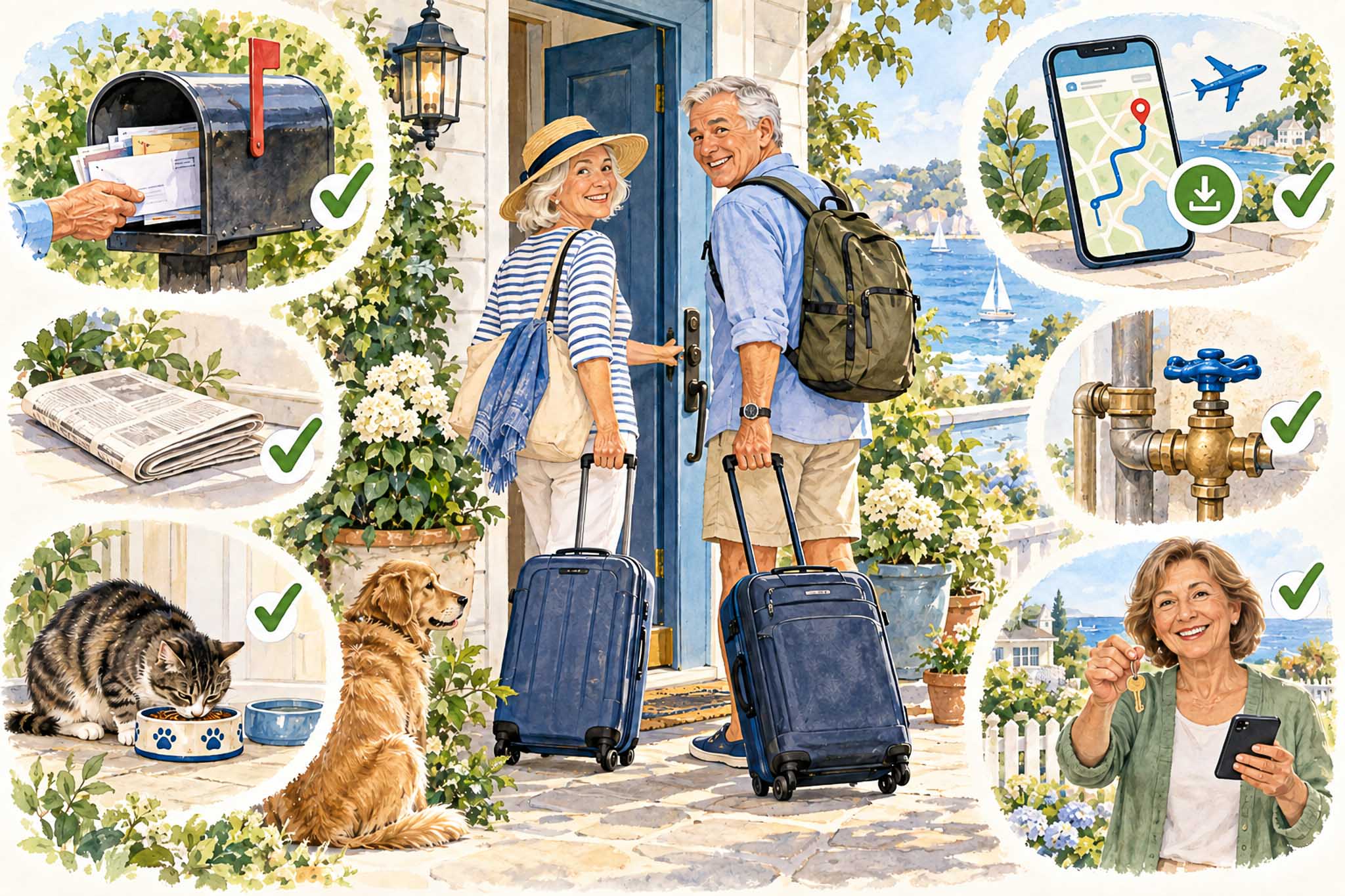
A pre-trip checklist might not be the most exciting part of a vacation, but it can make leaving home less stressful. While many of us in the Coronado AI Club have been exploring AI for vacation planning, I decided to tackle the other side of travel: taking care of the things we leave behind.
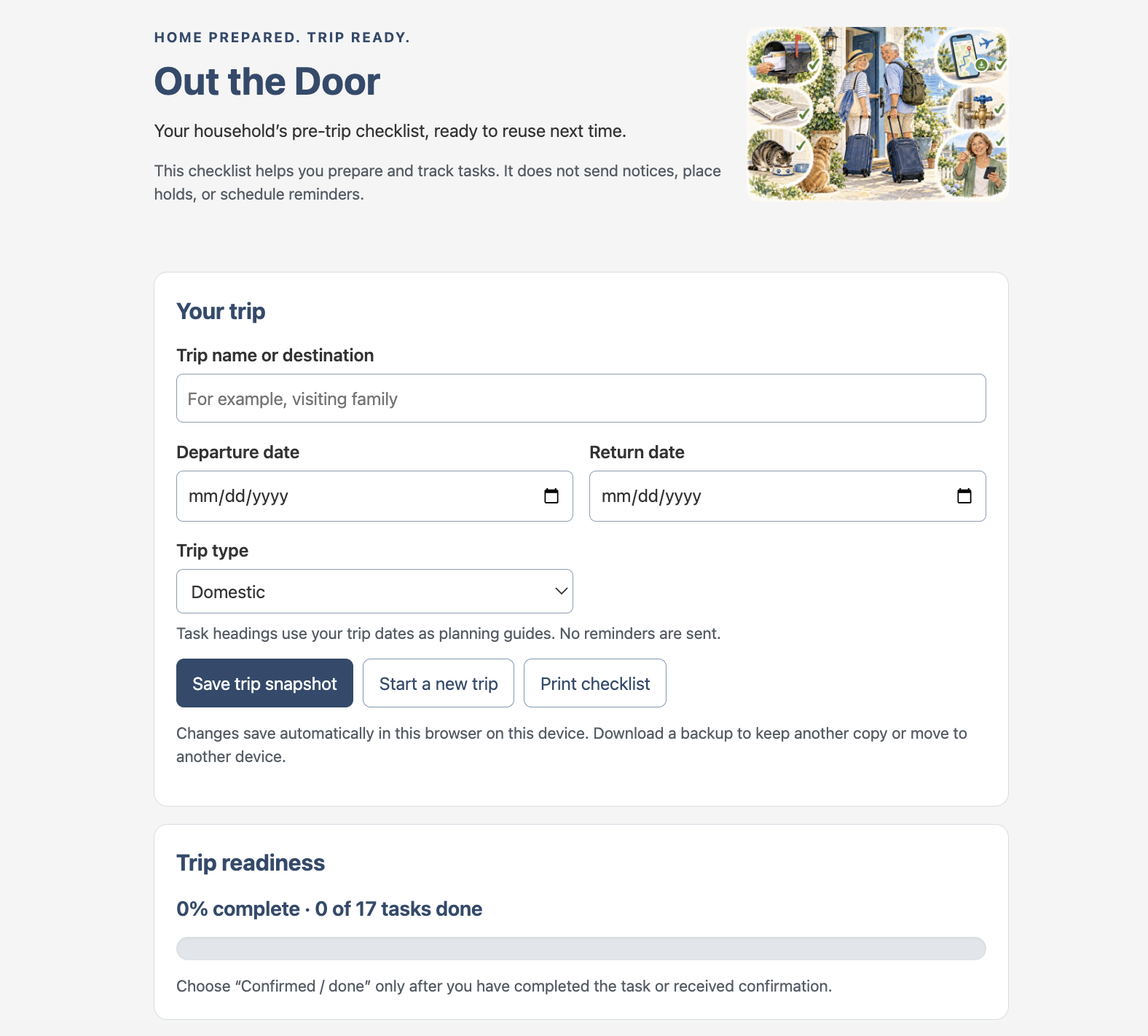
The result is Out the Door, a small app built with AI’s help. It keeps household preparations, delivery holds, and people to notify together in one reusable checklist.
The objective: remember the loose ends
My starting point was simple. Before a trip, there are plenty of small jobs that have little to do with hotels, flights, or sightseeing. Hold the mail. Stop the newspapers. Notify family and neighbors. Arrange pet care. Follow the household routine for water, thermostat, doors, and windows.
None of these is particularly difficult by itself. Remembering all of them, and knowing which are actually finished, is the challenge.
I wanted something useful for other club members, while allowing for different households. Someone might receive three newspapers, have several family members to notify, or need to check travel-notice requirements with more than one card company. A useful checklist should accommodate those differences.
The tools: conversation, a web page, and a link
I worked with an AI assistant in Codex to develop the app, review an initial HTML checklist, and improve it through many successive requests. Sites provided the hosting, turning a file on my computer into a website members can open through a normal link.
My contribution was describing what I wanted, looking at the result, and identifying what would make it more useful. The AI handled the code changes and technical checks.
This follows the practical spirit of the club’s article about building a low-purine meal planner with Claude: start with an everyday need and develop a tool around it.
AI helped build Out the Door. Using the checklist itself does not require an ongoing conversation with AI.
How the pre-trip checklist works
Enter a trip name, departure date, and return date. Tasks are grouped by when they belong: a week or more before, the day before, before leaving, and after returning.
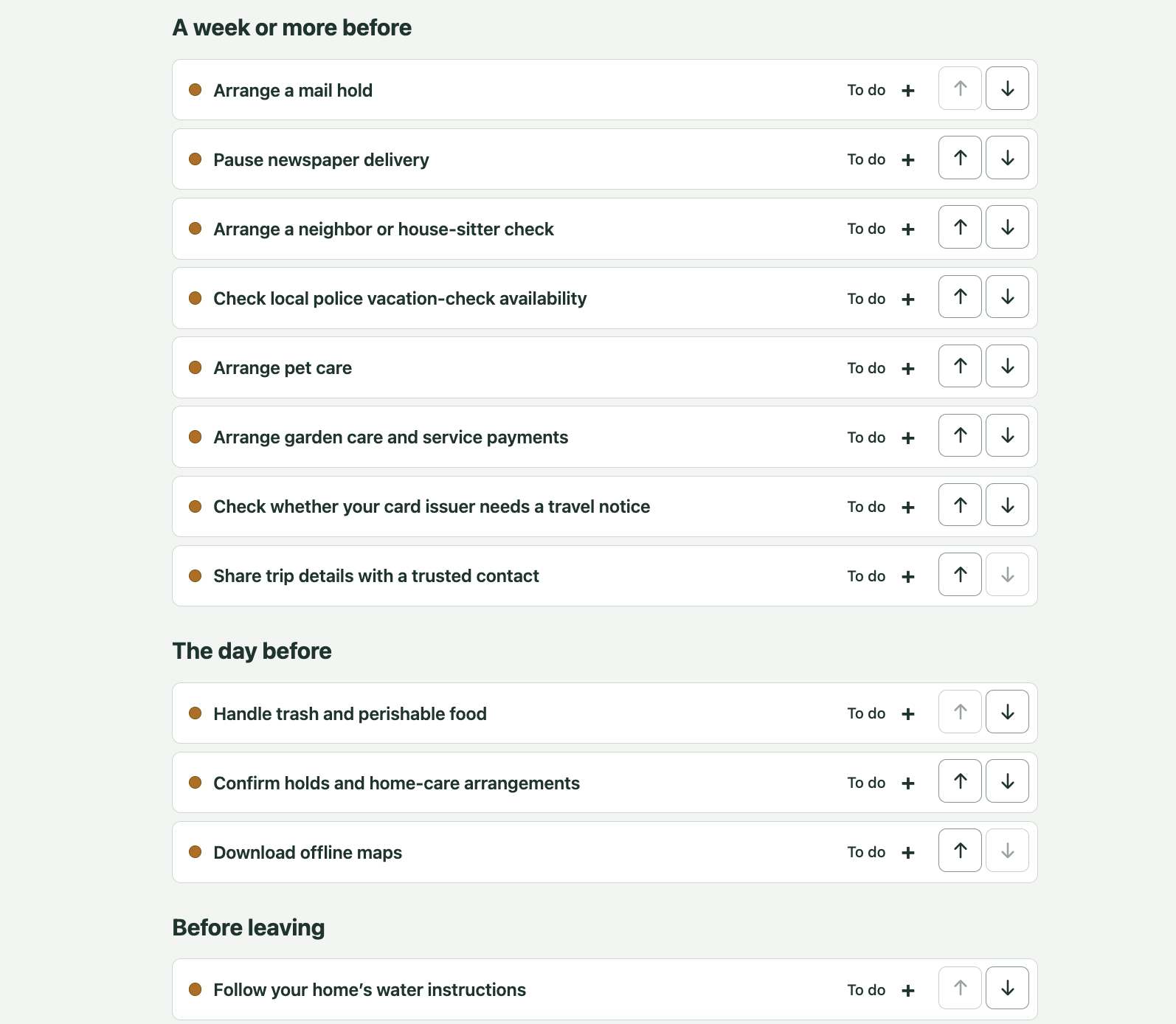
Each task appears as a compact, expandable row. Colored dots and written labels indicate whether it is still to do, waiting for confirmation, completed, or not needed. The labels matter: you do not have to distinguish colors to understand the status.
Expand a row to see instructions, website links, and notes. You can add your own tasks, move them up or down within a section, or move them to another timing section.
The goal is to make unfinished work easy to spot without presenting everyone with a long page of open forms.
What worked well: improving it in small steps
The most useful improvements came from looking at how someone would actually use the checklist.
The original list felt too long, so we collapsed the details while keeping task names and statuses visible. Then we added multiple trusted contacts, separate card companies, and multiple newspaper holds.
For newspapers, the app offers choices for The Wall Street Journal, The New York Times, and The San Diego Union-Tribune, along with the ability to enter another newspaper. Each subscription has its own status and confirmation notes.
A collapsed task can now show a summary such as “1 of 2 newspapers handled.” That is more informative than a single checkmark when several arrangements need attention.
What needed correction—and what remains manual
There were some practical lessons along the way. A file that opened on my computer was not yet a link I could share with everyone. Publishing also involved permissions, and a completed revision was not visible online until its publication succeeded.
The checklist itself needed corrections to how tasks retained their status when items were deleted or the trip type changed. These were reminders that generating an app is only part of the work; checking its behavior matters too.
Out the Door does not send notices or arrange holds automatically. For example, it links to the official USPS Hold Mail service, where users complete the request themselves. Opening that page is not the same as receiving confirmation.
Time saved, reuse, and keeping your information
I have not measured the time saved, and member testing will tell us more about its practical value. The expected benefit is less repeated setup and less reliance on memory.
When starting a new trip, the app keeps the household task order, contacts, companies, newspapers, and standing instructions. Trip-specific notes and completion statuses reset, while “not needed” choices remain.
Entries save in the browser on the device being used. They do not automatically appear on another computer or phone. There are options to print the checklist and download a backup.
Avoid entering passwords, door codes, or card numbers. Those details are unnecessary for keeping track of these preparations.
My recommendation: try it and help shape it
My recommendation is to try the pre-trip checklist with a real or imaginary trip. Add a household task, enter two contacts, and mark a few items completed. Then consider whether it would help you feel more organized before leaving.

I have not decided how automatic the app should eventually become. Member feedback will help distinguish useful assistance from unnecessary complexity.
Please leave a comment on this post: What was confusing? What did I overlook? Which task would you most like help completing?
This article is also part of the experiment. I asked AI to turn our development conversation and the club’s posting guidelines into a draft. Using AI to explain a project may be another useful club exercise in its own right.